Digital file · print and frame not included
How to print your poster PDF or JPG
Your design is ready. Save the files on your device, check the size you selected and decide whether to print at home or use a print shop.
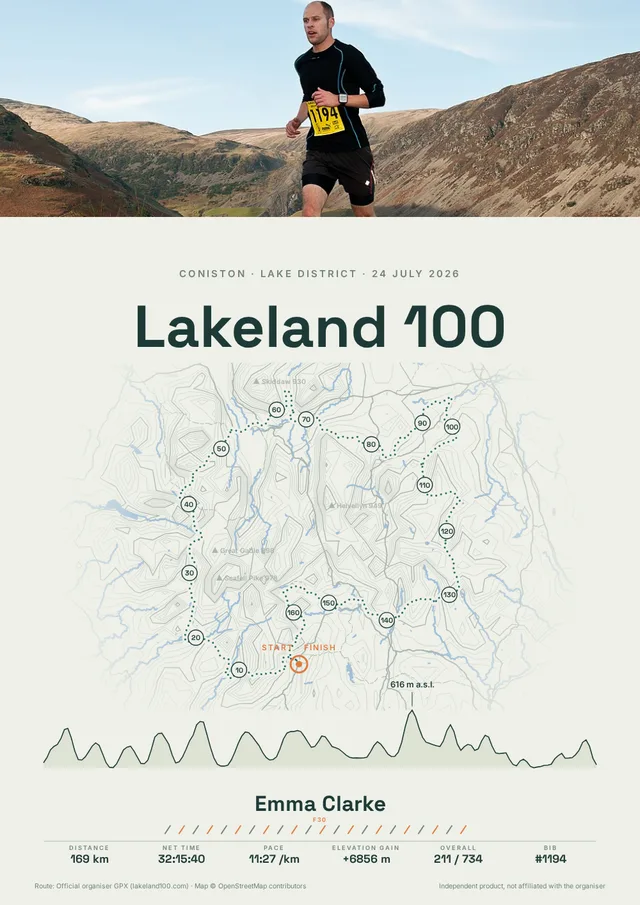
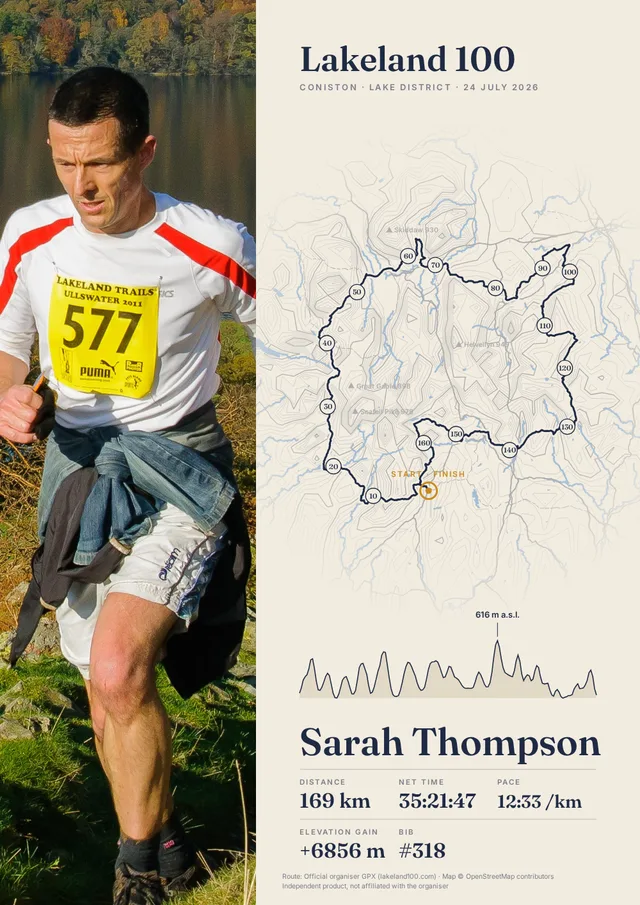
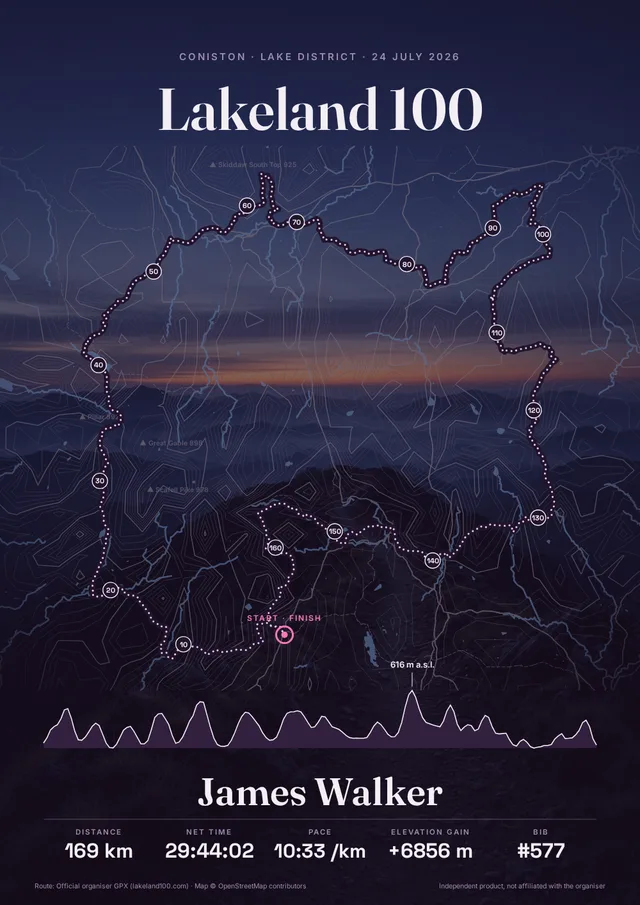
1. Save the file and check the size
Download links work for 7 days. Save the PDF or JPG and keep a copy. PDF is convenient for a print shop because it includes the physical page size. Do not print a screenshot or the watermarked preview. Check that the size of your design matches your paper and frame.
2. Print at 100% scale
In the PDF print settings, choose actual size or 100% scale. “Fit to page” may change the dimensions. If your printer cannot print borderless, you may get white margins or lose part of the design. Ask a print shop for the selected finished size and agree any margins before printing.
3. Choose paper for your design
Matte paper reduces reflections and works well with maps and captions. For a large photo, compare matte and satin options. Ask the print shop for samples: the result depends on paper, equipment and light. A bright screen can make the physical print appear darker than the preview.
4. Check the photo before a large print
The resolutions below describe the whole file. A heavily cropped or enlarged photo may contain less detail. The creator warns when photo resolution is low; use the original image rather than a screenshot where possible. The PDF contains a raster image and cannot be enlarged indefinitely. If unsure, order a small test print.
File sizes
| Size | Resolution |
|---|---|
| A4 | about 300 dpi |
| A3 | about 300 dpi |
| 30×40 cm | about 300 dpi |
| 40×50 cm | about 225 dpi |
| 50×70 cm | about 200 dpi |
Social media JPGs: 2160×2160 or 2160×3840 px; these are not print formats.